

MP4 vs. WEBM: Complete Format Comparison
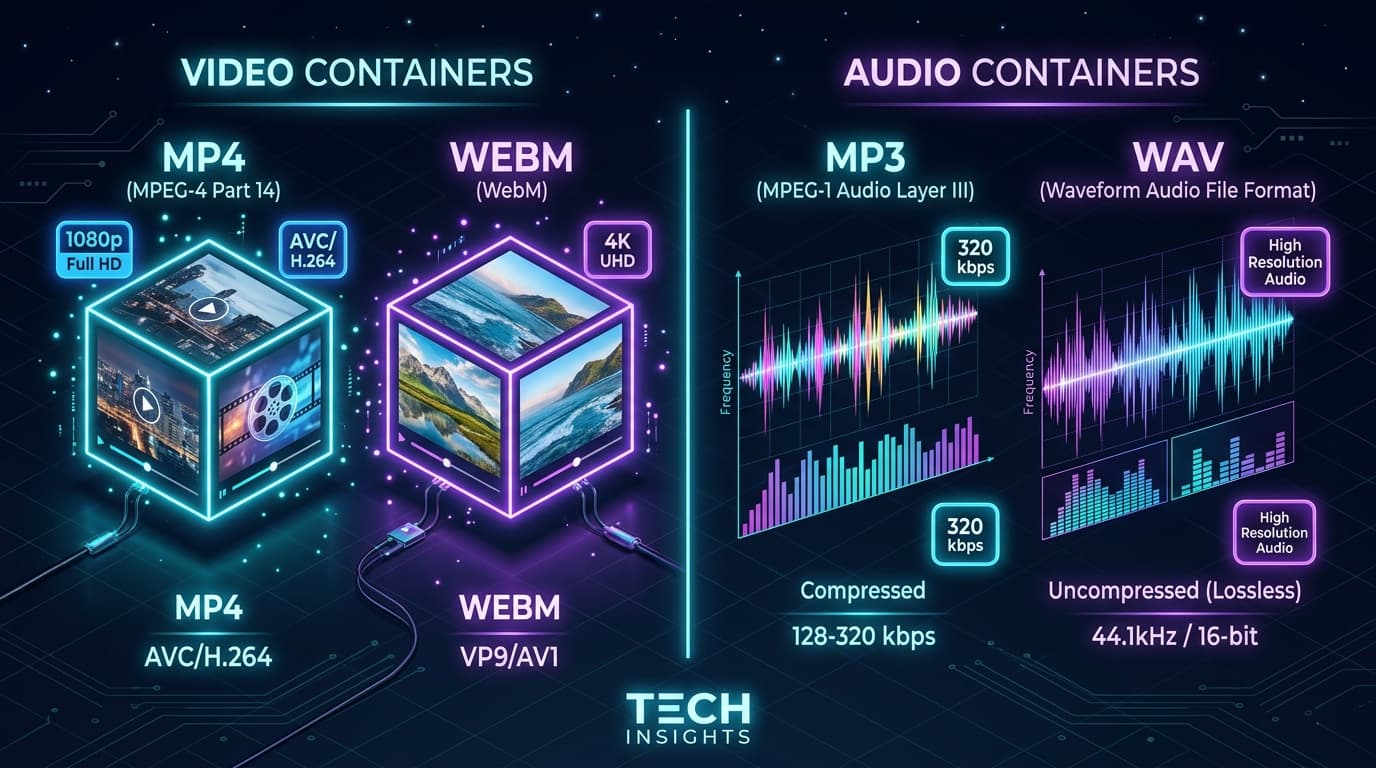
When downloading online videos, you often see the choice between MP4 and WEBM containers. While both deliver high-definition video, they serve different strengths in terms of compatibility and compression efficiency.
In this guide, we break down the technical differences between MP4 and WEBM to help you choose the right format.
Quick Answer
Choose MP4 for maximum compatibility across Apple devices (iPhone, iPad, Mac), TVs, and editing software. Choose WEBM for efficient compression and web streaming, especially for high-resolution 4K and 8K YouTube content encoded in VP9 or AV1.
Quick Comparison Table
• **Compatibility**: MP4 is universally supported by every device, OS, and video editor. WEBM is supported by all modern web browsers and Android, but requires VLC or third-party players on older Apple/Windows setups.
• **Video Codecs**: MP4 commonly uses H.264 (AVC) and H.265 (HEVC). WEBM uses VP9 and AV1 open codecs.
• **Audio Codecs**: MP4 uses AAC audio. WEBM uses Opus or Vorbis audio.
• **4K & 8K Streams**: YouTube often delivers 4K and 8K content primarily in WEBM (VP9/AV1) format.
What Is MP4 (MPEG-4 Part 14)?
MP4 is the undisputed universal standard for digital video. It is natively hardware-decoded by virtually every smartphone, smart TV, car media console, and video editing software (Premiere Pro, DaVinci Resolve, Final Cut Pro).
What Is WEBM?
WEBM is an open-source media container developed by Google, specifically optimized for HTML5 web streaming. It provides high compression efficiency, delivering smaller file sizes for 4K video.
Which Format Should You Choose?
• **Pick MP4** if you want hassle-free playback on iPhones, iPads, QuickTime, editing tools, or smart TVs.
• **Pick WEBM** if you want maximum compression efficiency for 4K video playback in browser players or VLC.
Main Downloader Tool
Fast, Free YouTube Video Downloader
Convert and download high-definition videos and audio files with no registration, no watermarks, and unlimited speeds.
Go to YouTube Video Downloader →Frequently Asked Questions
Common questions about mp4 vs. webm: complete format comparison
Does MP4 have better quality than WEBM?▾
Can QuickTime on Mac play WEBM files?▾
Ready to Download Your Videos?
Free online downloader with no sign-up required, no watermarks, and high speed.
Convert & Download VideoKnowledge Base
More Video Downloading Guides
Explore our comprehensive tutorials and platform-specific download solutions.
Can You Download YouTube Videos to Watch Offline? (Everything Explained)
Discover how to download YouTube videos for offline viewing. Understand YouTube Premium limitations, standalone MP4 file saving, device differences, and legal use cases.
How to Download YouTube Videos on PC (Windows 10 & 11 Guide)
Step-by-step guide to downloading YouTube videos on your PC or Windows laptop without software. Save videos in 1080p, 4K, or MP3 format.
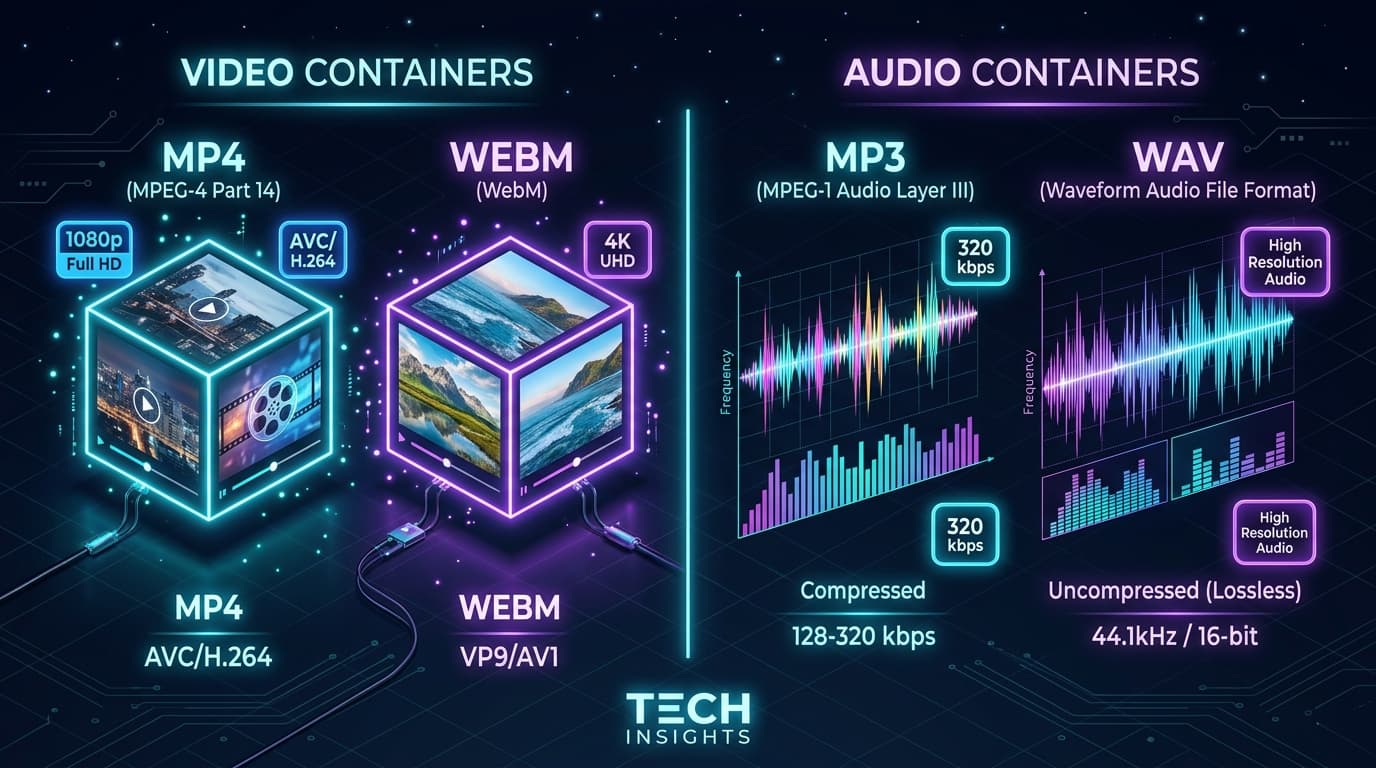
MP3 vs. WAV: Audio Quality, Bitrates, and Differences Explained
Understand the key differences between MP3 and WAV audio formats. Compare compression, bitrates (320kbps vs uncompressed PCM), and music production use cases.
Why Is Video Download Not Working? (Troubleshooting & Quick Fixes)
Troubleshoot common online video downloader problems. Fix slow downloads, pop-up blocks, missing 1080p/4K options, and browser restrictions.