

Can You Download YouTube Videos to Watch Offline?

Whether you are commuting on the subway, boarding an international flight, or traveling to areas with poor mobile reception, having access to your essential video content without an active internet connection is a major convenience.
However, there is often confusion between "offline viewing inside an app" and "downloading an actual media file onto your device". In this comprehensive guide, we explain how both methods work, their strengths and limitations, and how to choose the right solution for your needs.
Quick Answer
Yes, you can watch YouTube videos offline. You have two main methods: using YouTube’s official in-app offline feature (available via YouTube Premium or select regions) which keeps encrypted videos within the YouTube app, or downloading standalone MP4/MP3 files using an online web tool for content you own or have permission to save for offline personal use.
Direct Answer: Two Ways to Watch Offline
The short answer is **yes**, you can download and watch YouTube videos offline. However, the exact capabilities depend on which method you use:
1. **Official YouTube App Offline Mode**: Restricts playback to the YouTube app with encrypted temporary files.
2. **Standalone Web-Based Downloader**: Saves an open, standard MP4 video or MP3 audio file directly into your device storage (Files app, Downloads folder, or desktop drive).
How YouTube’s Official Offline Feature Works
Google offers offline playback primarily through YouTube Premium on mobile devices and select desktop browsers.
How In-App Downloads Function
When you tap "Download" in the YouTube mobile app, the video is saved into an encrypted cache. You can watch it while in Airplane Mode or without Wi-Fi by visiting the "You" / "Library" tab inside the YouTube app.
Key In-App Limitations to Keep in Mind
• 30-Day Check-in: You must reconnect your device to the internet at least once every 30 days, or the offline downloads expire.
• Creator Removal: If the creator deletes the video or makes it private, your cached download will become inaccessible.
• No External Use: You cannot open the video in VLC, edit it in Premiere or iMovie, transfer it to a USB flash drive, or play it on a TV media server.
• Storage Management: Cache files can accumulate in app storage and are difficult to selectively back up.
In-App Offline Caching vs. Standalone MP4 Files
Here is a quick comparison between in-app offline viewing and saving standalone files:
- 1File Portability: In-app downloads cannot leave the YouTube app. Standalone MP4 files can be copied to flash drives, SD cards, or external hard drives.
- 2Cross-App Compatibility: Standalone files play in any media player (VLC, QuickTime, Windows Media Player) without internet or account logins.
- 3Editing & Creation: Standalone files can be imported into video editors for fair-use commentary, presentations, or educational clips.
- 4Audio Extraction: Web tools let you save just the MP3 audio track, ideal for offline listening to podcasts, lectures, and speeches.
Device Considerations: Mobile vs. PC & Mac
Different devices handle offline video files in unique ways:
iPhone & iPad (iOS/iPadOS)
Files are saved directly to the iOS Files app under Downloads. From there, you can view them with the built-in media viewer or export them to Photos (Camera Roll).
Android Devices
Android saves downloaded files into your primary "Download" directory, making them immediately accessible across Google Files, VLC, and your default gallery.
Windows & Mac Computers
Browsers download MP4 files straight into your user Downloads folder. You can double-click to play in full resolution or organize them into folders on external drives.
When Do You Need to Save Offline Files?
Saving video and audio files offline is essential in numerous everyday scenarios:
- 1Content Creators Archiving Footage: Backing up your own published videos when local project copies are lost.
- 2Educators & Teachers: Presenting video clips in classrooms with restricted or unreliable internet connections.
- 3Travelers & Commuters: Preparing entertainment playlists before long flights or remote road trips.
- 4Research & Fair-Use Analysis: Quoting short video excerpts for academic, critical, or journalistic commentary.
- 5Public Domain & Creative Commons: Storing royalty-free footage, nature sounds, and historical archives.
How to Save Videos for Offline Viewing
To save a video for offline viewing on any device using our web-based tool:
1. Copy the link of the video you want to save.
2. Paste the link into the box below and select your preferred quality (e.g. 1080p Full HD, 720p HD, or MP3 Audio).
3. Tap "Download" to generate the offline media file.
Online Video Converter & Downloader
Try our free YouTube Video Downloader
Main Downloader Tool
Fast, Free YouTube Video Downloader
Convert and download high-definition videos and audio files with no registration, no watermarks, and unlimited speeds.
Go to YouTube Video Downloader →Frequently Asked Questions
Common questions about can you download youtube videos to watch offline?
Can I watch downloaded YouTube videos with no internet or Wi-Fi?▾
Do downloaded YouTube videos expire?▾
Can I transfer offline video files to a USB drive or external hard drive?▾
What is the best format for offline viewing on phones and laptops?▾
Can I download only the audio for listening offline?▾
Ready to Download Your Videos?
Free online downloader with no sign-up required, no watermarks, and high speed.
Convert & Download VideoKnowledge Base
More Video Downloading Guides
Explore our comprehensive tutorials and platform-specific download solutions.
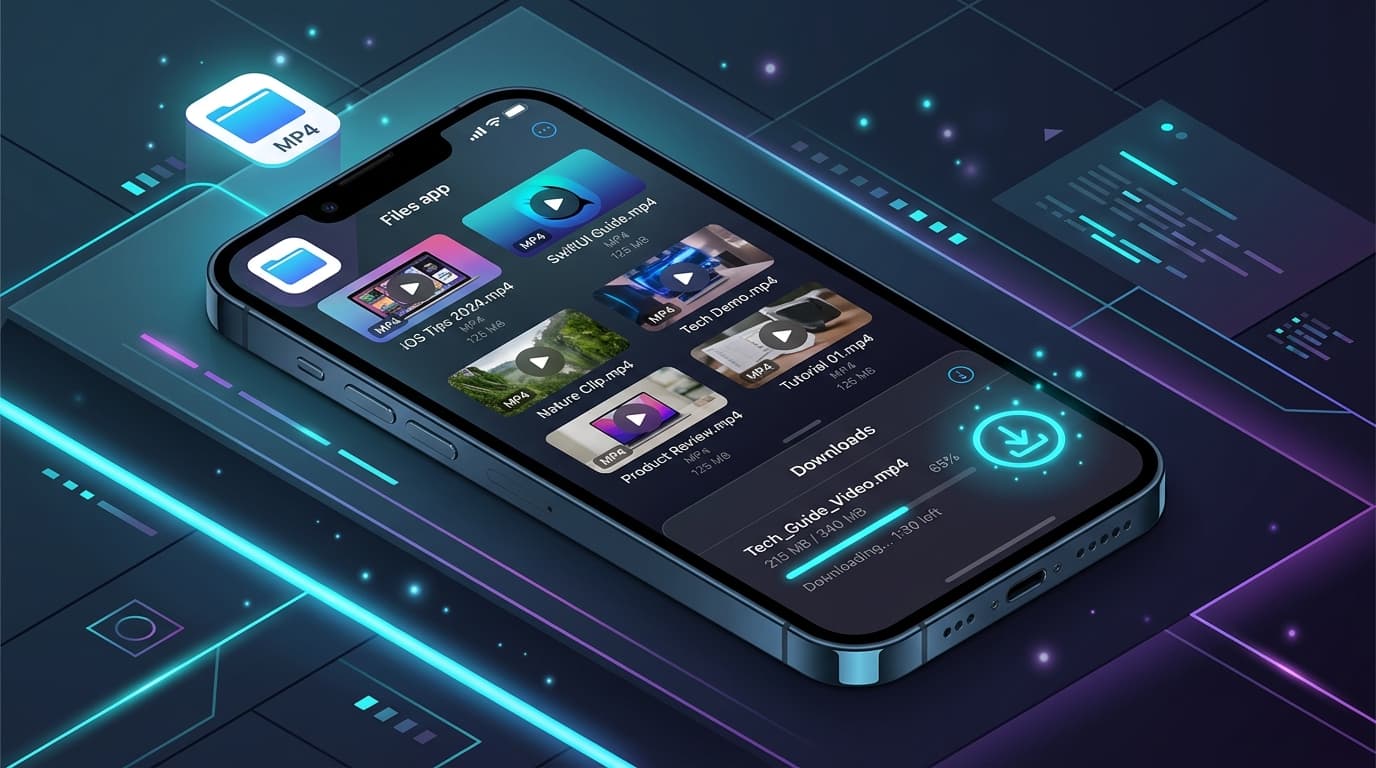
How to Download YouTube Videos on iPhone (Step-by-Step Guide)
Learn how to download YouTube videos on your iPhone using Safari and the iOS Files app. Detailed steps for saving videos to your Camera Roll and troubleshooting.
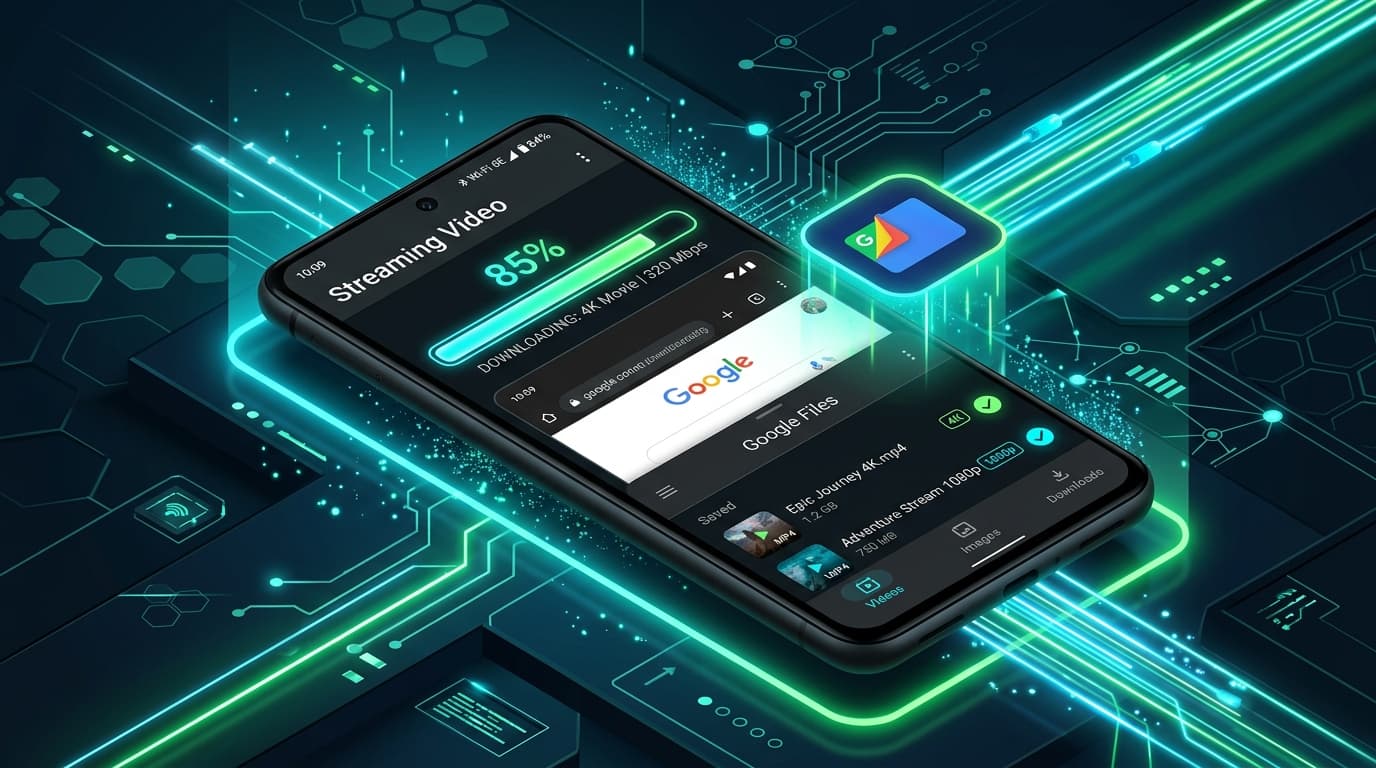
How to Download YouTube Videos on Android (Step-by-Step Guide)
Learn how to download YouTube videos on Android smartphones and tablets using Chrome and the Files app. Step-by-step tutorial with troubleshooting tips.

How to Download YouTube Videos on PC (Windows 10 & 11 Guide)
Step-by-step guide to downloading YouTube videos on your PC or Windows laptop without software. Save videos in 1080p, 4K, or MP3 format.

How to Download YouTube Videos on Mac (macOS Guide)
Discover how to download YouTube videos on your Mac using Safari or Chrome. Step-by-step instructions for saving 1080p, 4K, and MP3 files on macOS.
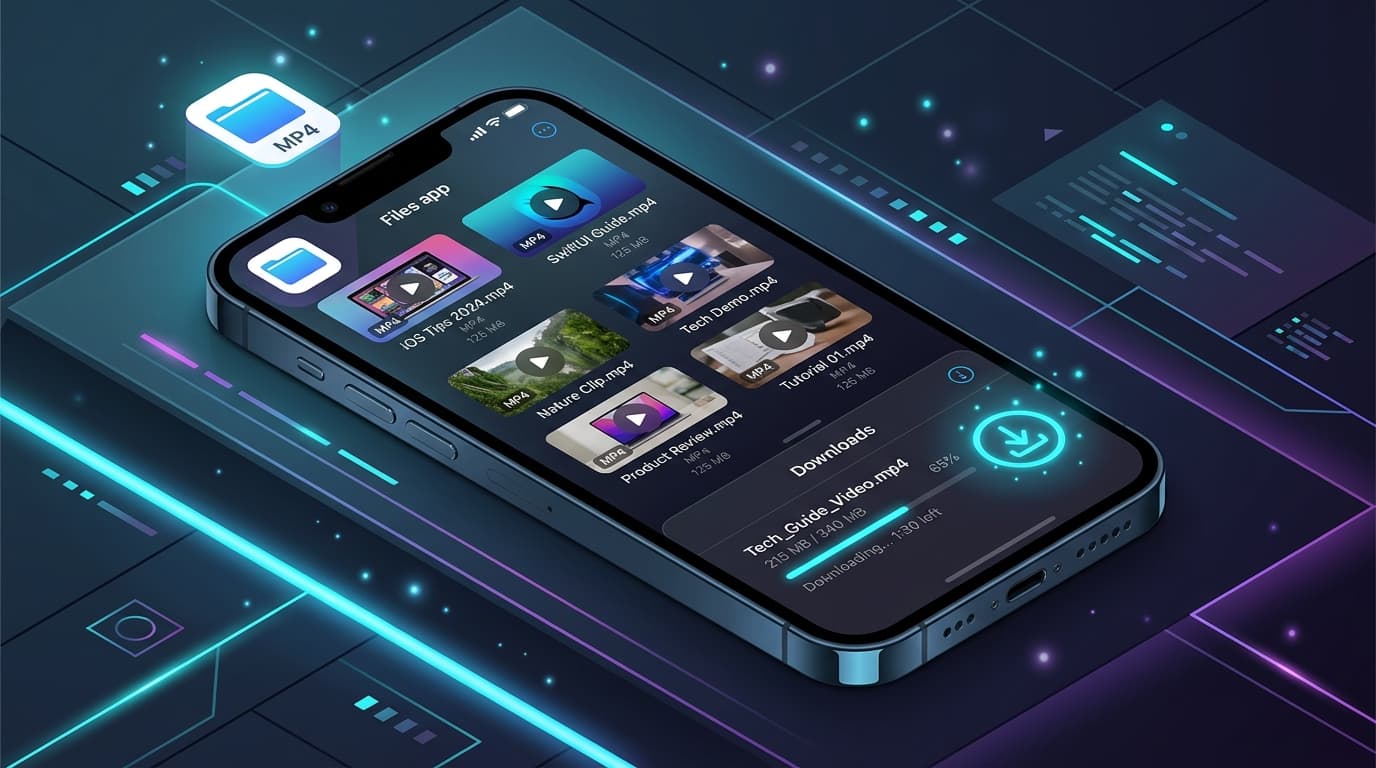
Where Do Downloaded Videos Go on iPhone? (Files vs. Photos Explained)
Find out exactly where downloaded video files are stored on iPhone and iPad. Learn how to locate them in the Files app and save them to the Photos Camera Roll.