

How to Download YouTube Videos on Android
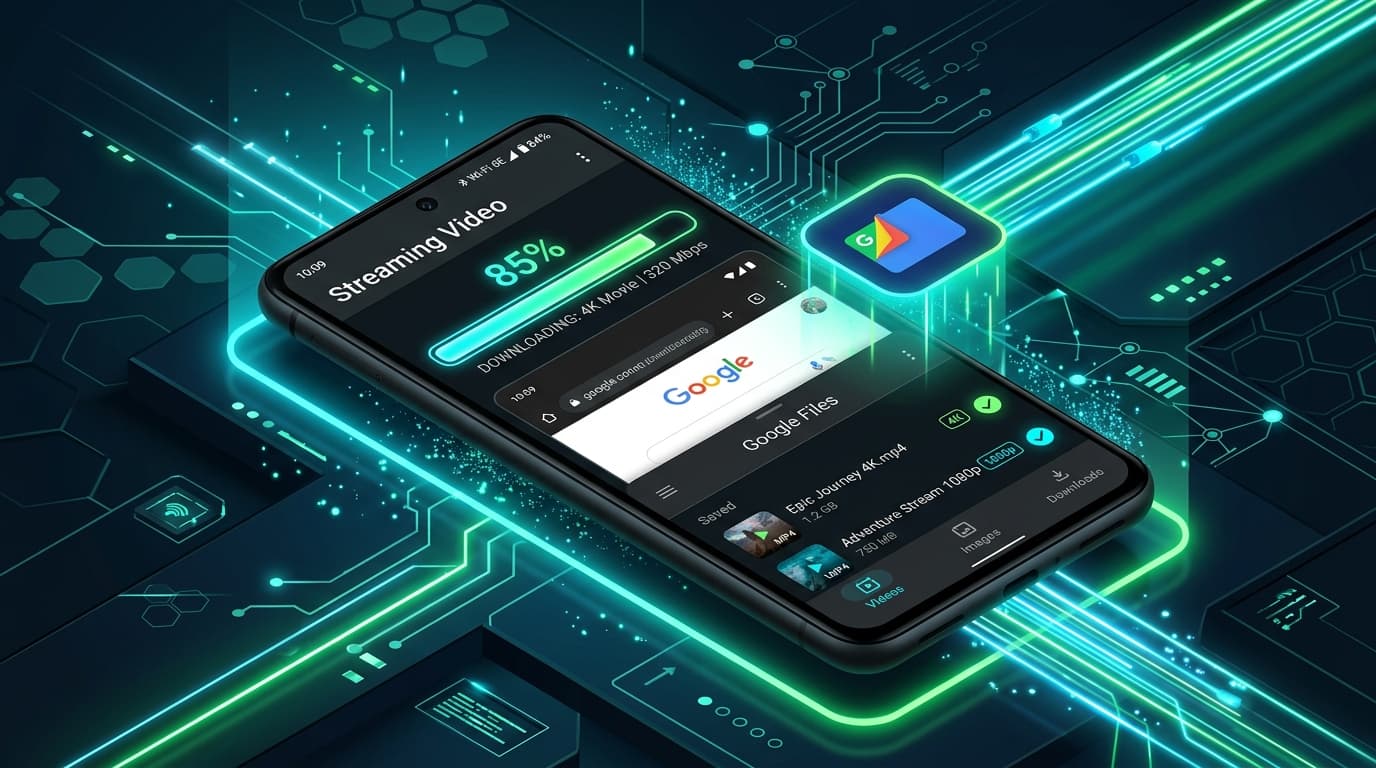
Android offers an open file system, making video downloading and media management remarkably seamless. Unlike older mobile ecosystems, you do not need special utilities or rooting to save media files.
In this tutorial, we will walk you through downloading videos on Samsung Galaxy, Google Pixel, Xiaomi, OnePlus, or any modern Android phone directly in your mobile web browser.
Quick Answer
To download a YouTube video on Android, copy the video link from the YouTube app, open Chrome or Samsung Internet, go to AnyVideoDownloader, paste the link, select your desired MP4 or MP3 format, and tap Download. The file will download immediately into your Android "Download" folder and show up in Google Files, your gallery, or media player.
Android Prerequisites & Setup
All modern Android versions (Android 10 through Android 15+) support native browser downloads directly through Chrome, Firefox, Brave, or Samsung Internet.
Downloaded files are saved in standard directories accessible by all media apps like Google Photos, VLC, and MX Player.
Step-by-Step Guide for Android
Follow these straightforward steps on your Android device:
- 11. Open the YouTube app and tap the "Share" button beneath your chosen video.
- 22. Tap "Copy Link" to copy the URL to your Android clipboard.
- 33. Open Google Chrome (or your favorite Android browser) and visit AnyVideoDownloader.
- 44. Paste the link into the box below and choose your desired format (e.g. 1080p MP4 or 320kbps MP3).
- 55. Tap Download. Chrome will notify you that the download has started and save the file directly.
Online Video Converter & Downloader
Try our free YouTube Video Downloader
Where to Find Downloaded Files on Android
Once downloaded, your video is immediately accessible in multiple places:
• **Google Files / My Files App**: Open the pre-installed file manager and tap "Downloads" or "Videos".
• **Gallery / Photos App**: Many Android gallery apps automatically scan the Downloads folder and display new video files in your library.
• **VLC for Android**: Launch VLC and refresh your media library to start instant hardware-accelerated playback.
Common Android Download Fixes
If your download does not start or pauses unexpectedly:
• Check Storage Space: Go to Settings > Storage and verify you have adequate space.
• Battery Optimization: Ensure your browser is not aggressively closed in the background during large 1080p/4K downloads.
• Download Permission: Make sure Chrome has permission to save files to storage.
Main Downloader Tool
Fast, Free YouTube Video Downloader
Convert and download high-definition videos and audio files with no registration, no watermarks, and unlimited speeds.
Go to YouTube Video Downloader →Frequently Asked Questions
Common questions about how to download youtube videos on android
Do I need to install APK files or third-party apps on Android?▾
Can I download YouTube videos as MP3 on Android?▾
Where do downloads go on Samsung Galaxy phones?▾
Ready to Download Your Videos?
Free online downloader with no sign-up required, no watermarks, and high speed.
Convert & Download VideoKnowledge Base
More Video Downloading Guides
Explore our comprehensive tutorials and platform-specific download solutions.
How to Download YouTube Videos on iPhone (Step-by-Step Guide)
Learn how to download YouTube videos on your iPhone using Safari and the iOS Files app. Detailed steps for saving videos to your Camera Roll and troubleshooting.

Can You Download YouTube Videos to Watch Offline? (Everything Explained)
Discover how to download YouTube videos for offline viewing. Understand YouTube Premium limitations, standalone MP4 file saving, device differences, and legal use cases.

How to Download YouTube Videos on PC (Windows 10 & 11 Guide)
Step-by-step guide to downloading YouTube videos on your PC or Windows laptop without software. Save videos in 1080p, 4K, or MP3 format.

How to Download YouTube Videos on Mac (macOS Guide)
Discover how to download YouTube videos on your Mac using Safari or Chrome. Step-by-step instructions for saving 1080p, 4K, and MP3 files on macOS.
Where Do Downloaded Videos Go on iPhone? (Files vs. Photos Explained)
Find out exactly where downloaded video files are stored on iPhone and iPad. Learn how to locate them in the Files app and save them to the Photos Camera Roll.