

MP3 vs. WAV: Audio Formats Compared
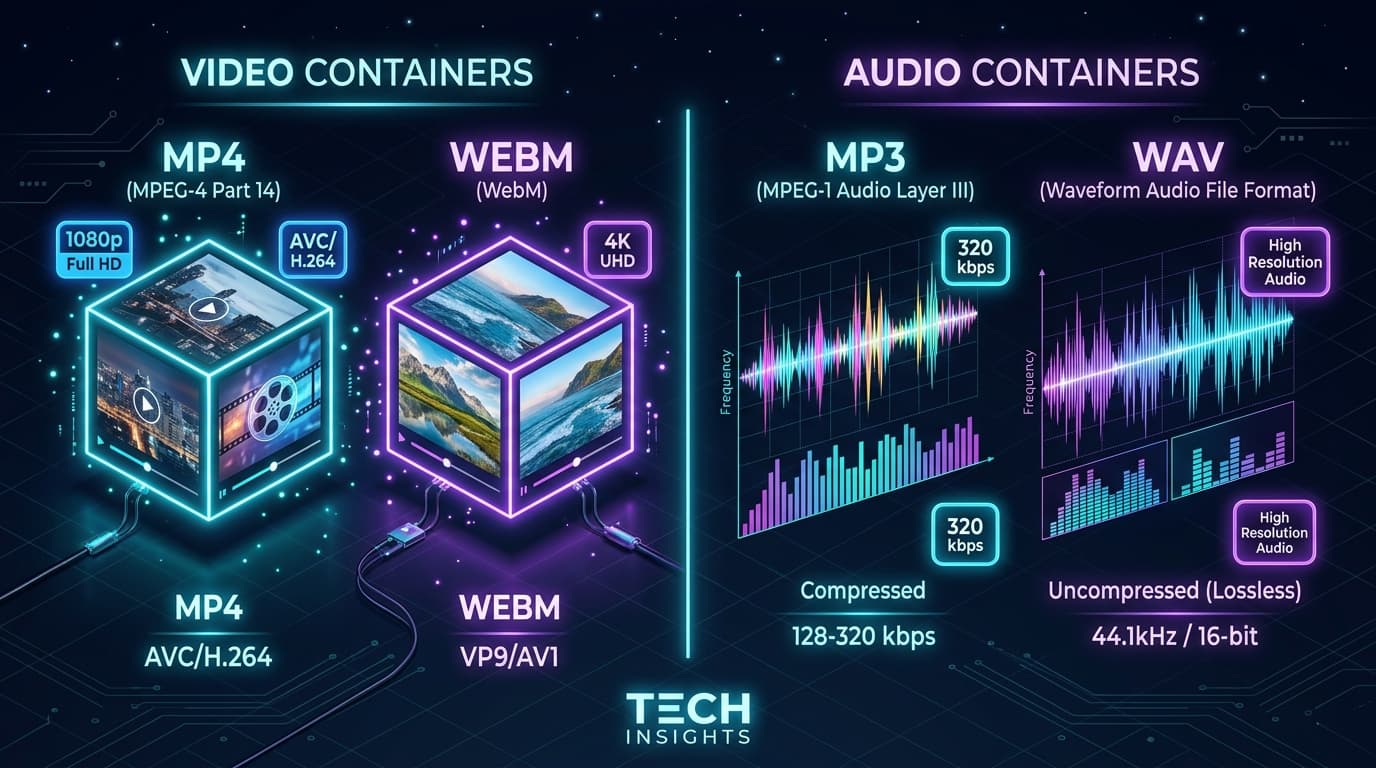
When extracting audio from video content, choosing between MP3 and WAV depends on how you plan to use the sound file.
This guide compares lossy MP3 compression against uncompressed WAV waveforms, explaining bitrates, file sizes, and audio fidelity.
Quick Answer
Choose MP3 (320kbps) for everyday listening, podcasts, and mobile devices where compact file sizes are essential. Choose WAV for uncompressed, lossless studio audio editing in DAWs (Logic, Ableton, FL Studio) and professional video sound design.
How MP3 Compression Works
MP3 uses psychoacoustic algorithms to remove audio frequencies that human ears cannot easily distinguish. At 320kbps (the highest MP3 bitrate), the audio is virtually indistinguishable from CD quality for casual listening, while reducing file size by up to 80%.
Why Audio Producers Use WAV
WAV stores raw, uncompressed PCM audio. Because no audio data is stripped away, WAV files can be imported into music production software (FL Studio, Ableton Live, Pro Tools) and manipulated with EQ, compression, and effects without generational loss.
File Size & Bitrate Comparison
• **A 4-minute song in MP3 (320kbps)**: ~9 MB to 10 MB.
• **A 4-minute song in WAV (16-bit, 44.1kHz PCM)**: ~40 MB to 45 MB.
• **Recommended Choice**: Use our [YouTube to MP3](file:///en/youtube-to-mp3) tool for music listening and [YouTube to WAV](file:///en/youtube-to-wav) for sound editing.
Main Downloader Tool
Fast, Free YouTube to MP3
Convert and download high-definition videos and audio files with no registration, no watermarks, and unlimited speeds.
Go to YouTube to MP3 →Frequently Asked Questions
Common questions about mp3 vs. wav: audio formats compared
Can you hear the difference between 320kbps MP3 and WAV?▾
Which tool should I use for audio extraction?▾
Ready to Download Your Videos?
Free online downloader with no sign-up required, no watermarks, and high speed.
Convert & Download VideoKnowledge Base
More Video Downloading Guides
Explore our comprehensive tutorials and platform-specific download solutions.

Can You Download YouTube Videos to Watch Offline? (Everything Explained)
Discover how to download YouTube videos for offline viewing. Understand YouTube Premium limitations, standalone MP4 file saving, device differences, and legal use cases.
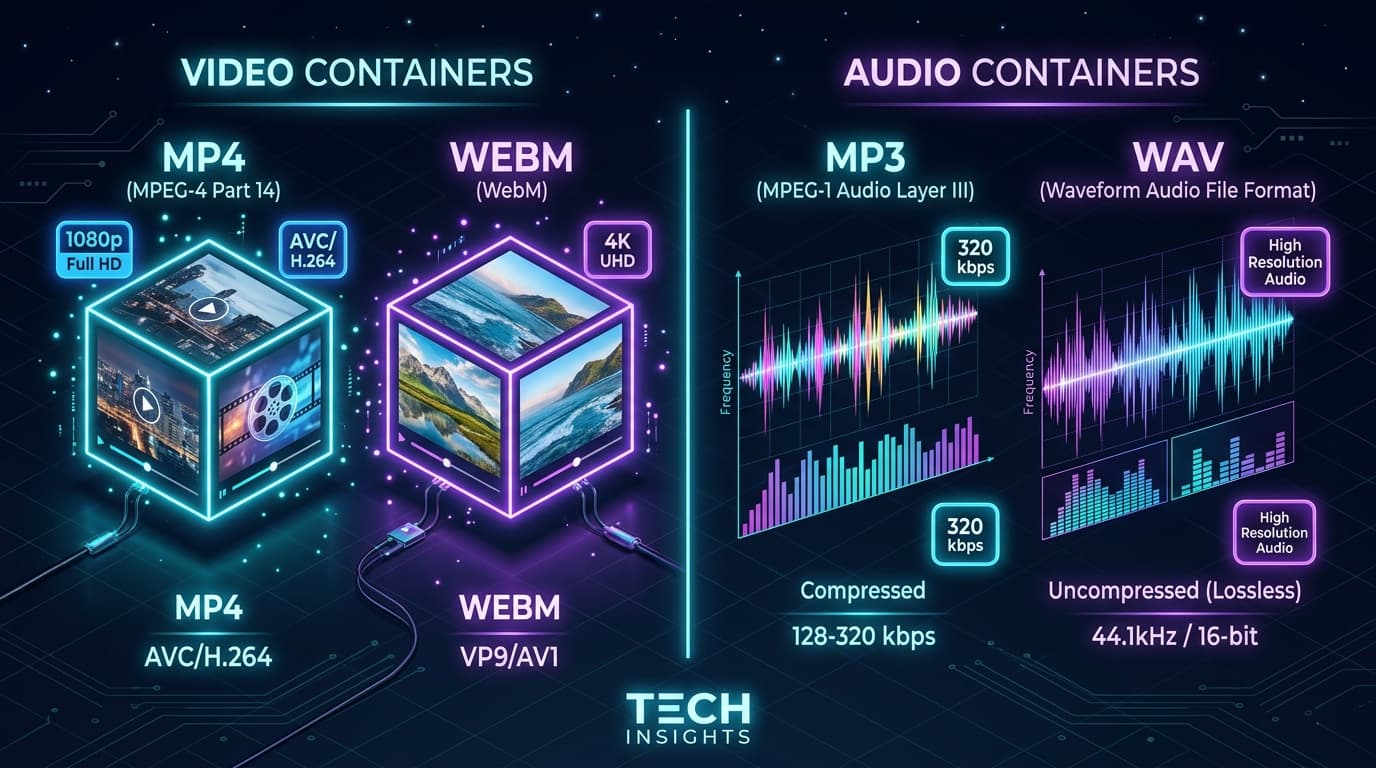
MP4 vs. WEBM: Which Video Format Should You Choose?
Detailed comparison of MP4 and WEBM video formats. Learn which format is best for compatibility, video quality, compression, and 4K streaming.