

How to Download Instagram Videos & Reels
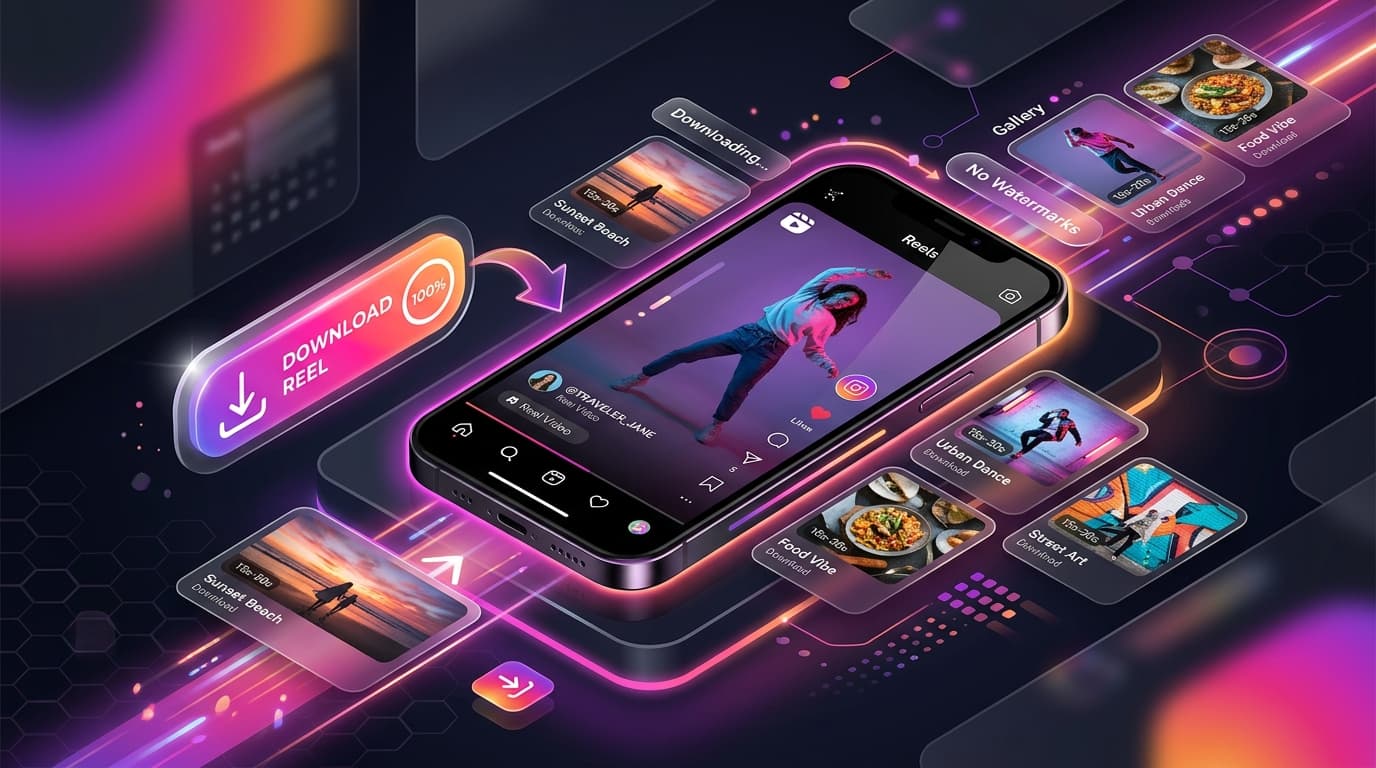
Instagram Reels and video posts showcase some of the internet’s most creative cooking recipes, fitness workouts, comedy skits, and travel inspiration.
If you want to save public Instagram videos to your phone or computer without annoying watermarks or installing third-party apps, this tutorial shows you how.
Quick Answer
To download an Instagram video or Reel, tap the three dots or Share icon on the Instagram post, select "Copy Link", open AnyVideoDownloader’s Instagram Downloader tool, paste the URL, and tap Download to save the clean MP4 video to your device.
How to Copy an Instagram Video Link
On mobile: Open Instagram, find the Reel or video, tap the paper airplane / Share button, and tap "Copy Link".
On desktop: Click the three dots in the top-right of the post or copy the URL directly from your browser address bar.
Step-by-Step Instructions to Download
Follow these simple steps with our Instagram Downloader:
- 11. Copy the URL of the public Instagram video or Reel.
- 22. Paste the link into our downloader below.
- 33. Click Download to generate the high-definition MP4 file.
- 44. Save the video file to your phone gallery or computer storage.
Online Video Converter & Downloader
Try our free Instagram Downloader
Main Downloader Tool
Fast, Free Instagram Downloader
Convert and download high-definition videos and audio files with no registration, no watermarks, and unlimited speeds.
Go to Instagram Downloader →Frequently Asked Questions
Common questions about how to download instagram videos & reels
Can I download Instagram Reels without a watermark?▾
Do I need to provide my Instagram password?▾
Can I download private Instagram posts?▾
Ready to Download Your Videos?
Free online downloader with no sign-up required, no watermarks, and high speed.
Convert & Download VideoKnowledge Base
More Video Downloading Guides
Explore our comprehensive tutorials and platform-specific download solutions.
How to Download YouTube Videos on iPhone (Step-by-Step Guide)
Learn how to download YouTube videos on your iPhone using Safari and the iOS Files app. Detailed steps for saving videos to your Camera Roll and troubleshooting.
How to Download Facebook Videos & Reels Online in HD
Learn how to download Facebook videos, Watch clips, and reels in high definition MP4 format. Free online web downloader for mobile and desktop.