

Why Is Video Download Not Working? Common Fixes
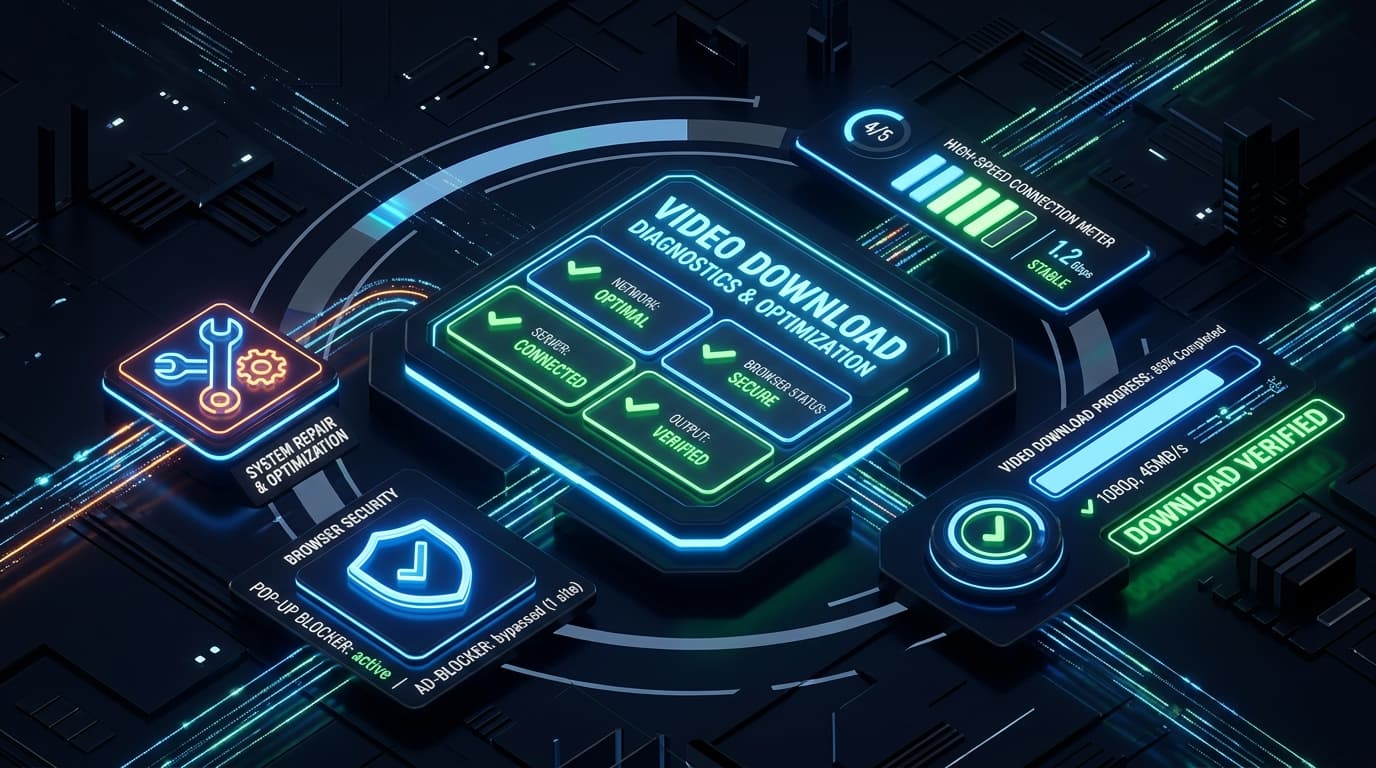
Encountering an error when trying to save a video can be frustrating. Most download problems are caused by URL formatting, browser pop-up permissions, or temporary platform changes rather than tool failures.
Here is a comprehensive troubleshooting checklist to help you resolve any video download issue quickly.
Quick Answer
If a video download fails, check these 5 common causes: 1) Verify the video URL is public and not age-restricted or region-locked; 2) Ensure your browser pop-up blocker is not preventing download tabs; 3) Confirm you have sufficient device storage; 4) Refresh the page and try a standard format like 720p or 1080p; 5) Check your internet connection.
1. Check Video URL & Privacy Settings
• **Private Videos**: Videos marked as Private or restricted to specific accounts cannot be accessed by external web tools.
• **Live Streams**: Active live streams cannot be downloaded until the stream has ended and the platform finishes archiving the full broadcast.
• **Correct Link**: Make sure you copied the direct watch link (e.g. `https://www.youtube.com/watch?v=...`) rather than a channel or search results URL.
2. Browser Pop-up & Download Permissions
Many browsers (especially Safari on iOS and Chrome on mobile) block automatic download prompts. Check your browser address bar for a "Pop-up blocked" notification and tap "Allow".
3. Device Storage Limitations
High-definition video files require sufficient disk space. If your phone or PC hard drive has less than 1GB free, downloads may fail mid-stream. Check your storage in device settings.
4. Network Connection & VPN Considerations
If your connection is unstable or you are using an aggressive VPN proxy, connection timeouts can occur. Try disabling your VPN temporarily or switching to a stable Wi-Fi network.
Main Downloader Tool
Fast, Free YouTube Video Downloader
Convert and download high-definition videos and audio files with no registration, no watermarks, and unlimited speeds.
Go to YouTube Video Downloader →Frequently Asked Questions
Common questions about why is video download not working? common fixes
Why did my 4K download fail halfway through?▾
Why does the download button not respond?▾
Ready to Download Your Videos?
Free online downloader with no sign-up required, no watermarks, and high speed.
Convert & Download VideoKnowledge Base
More Video Downloading Guides
Explore our comprehensive tutorials and platform-specific download solutions.
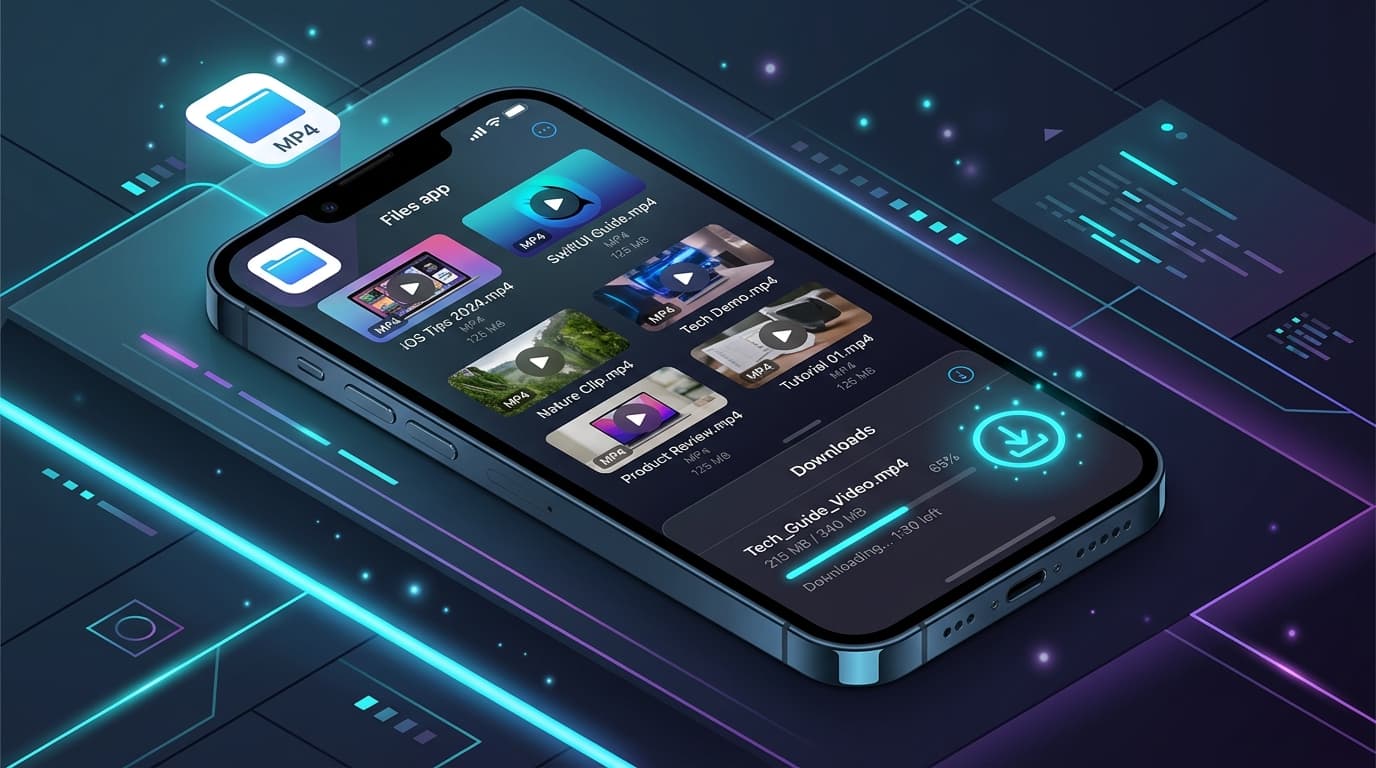
How to Download YouTube Videos on iPhone (Step-by-Step Guide)
Learn how to download YouTube videos on your iPhone using Safari and the iOS Files app. Detailed steps for saving videos to your Camera Roll and troubleshooting.

How to Download YouTube Videos on PC (Windows 10 & 11 Guide)
Step-by-step guide to downloading YouTube videos on your PC or Windows laptop without software. Save videos in 1080p, 4K, or MP3 format.
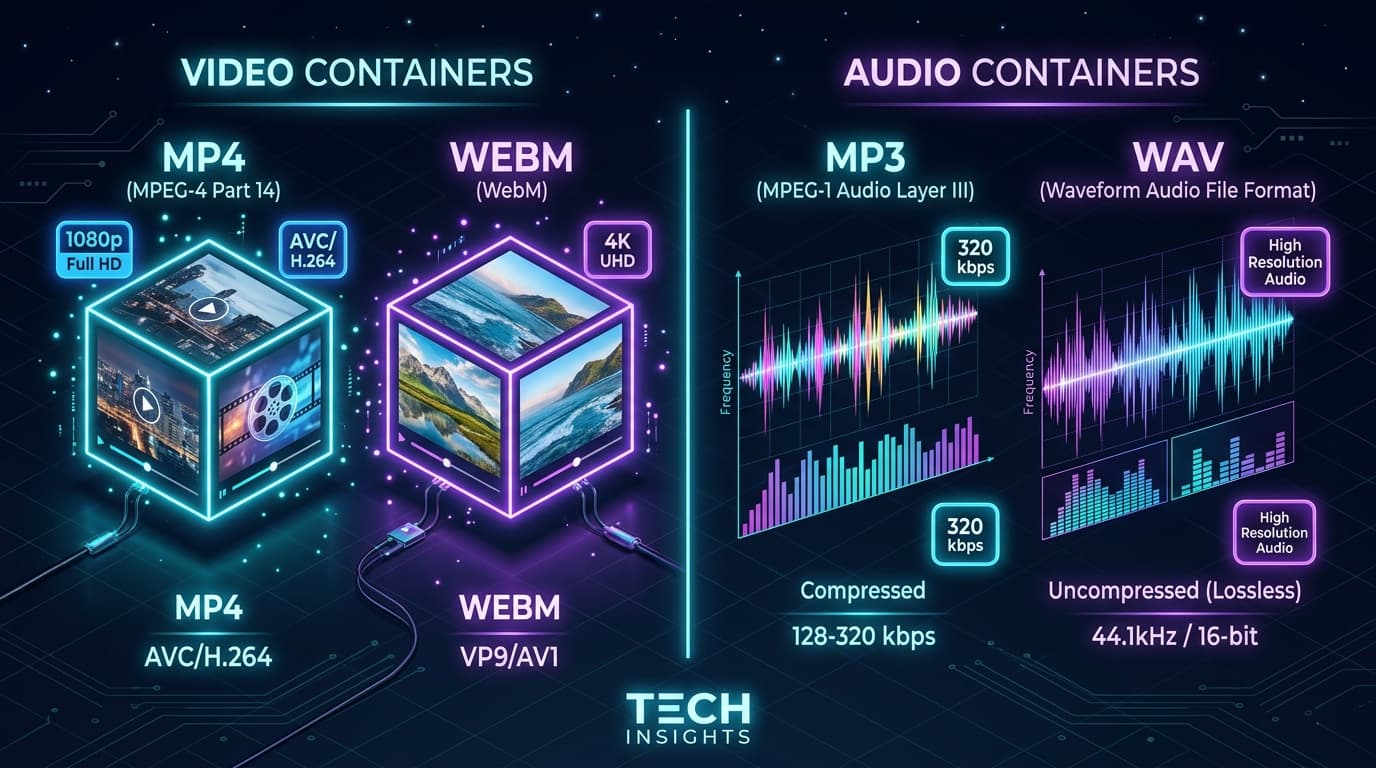
MP4 vs. WEBM: Which Video Format Should You Choose?
Detailed comparison of MP4 and WEBM video formats. Learn which format is best for compatibility, video quality, compression, and 4K streaming.